HIRE DEVELOPERS  /  C# DESKTOP DEVELOPERS

C# desktopapplications forenterprise, built to last.

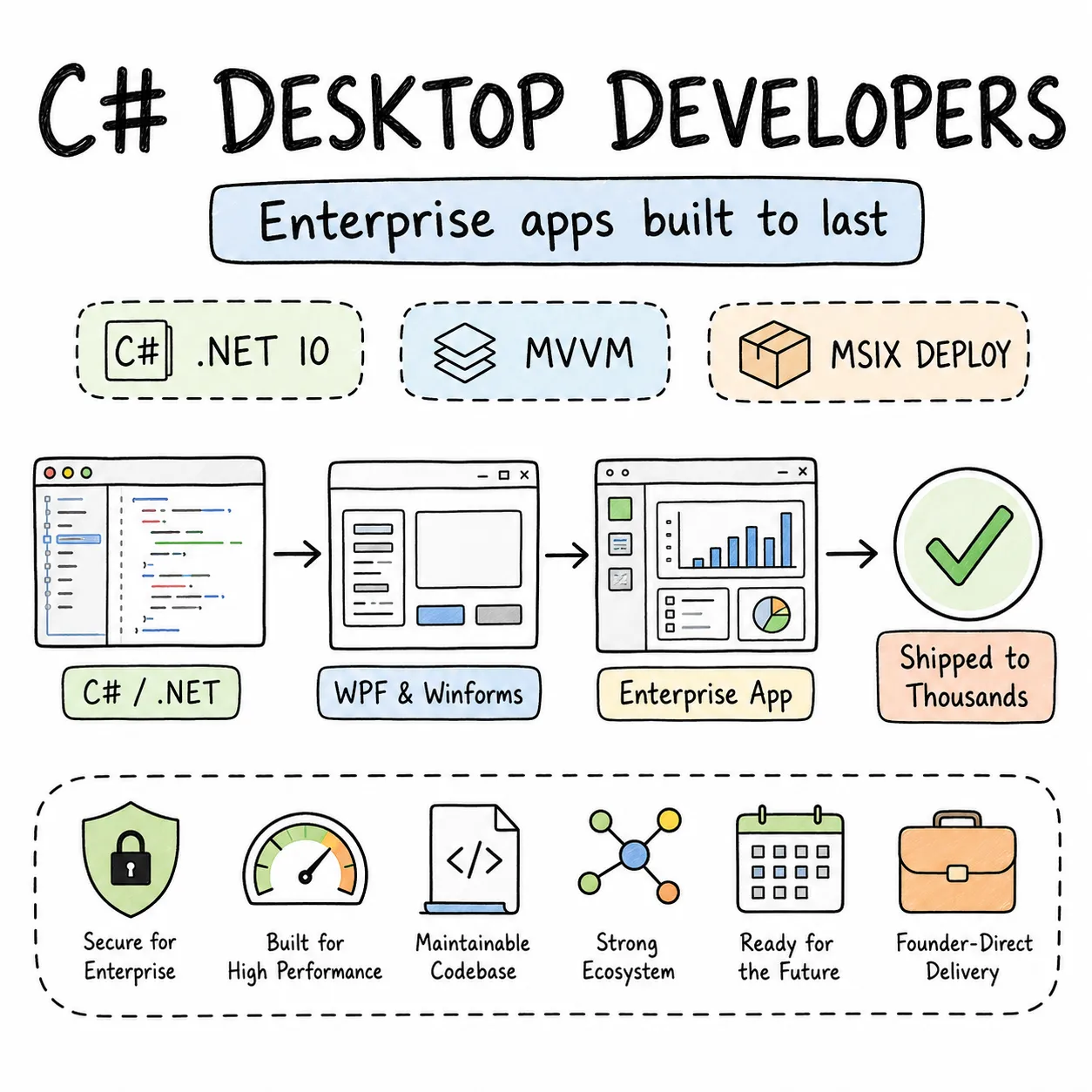
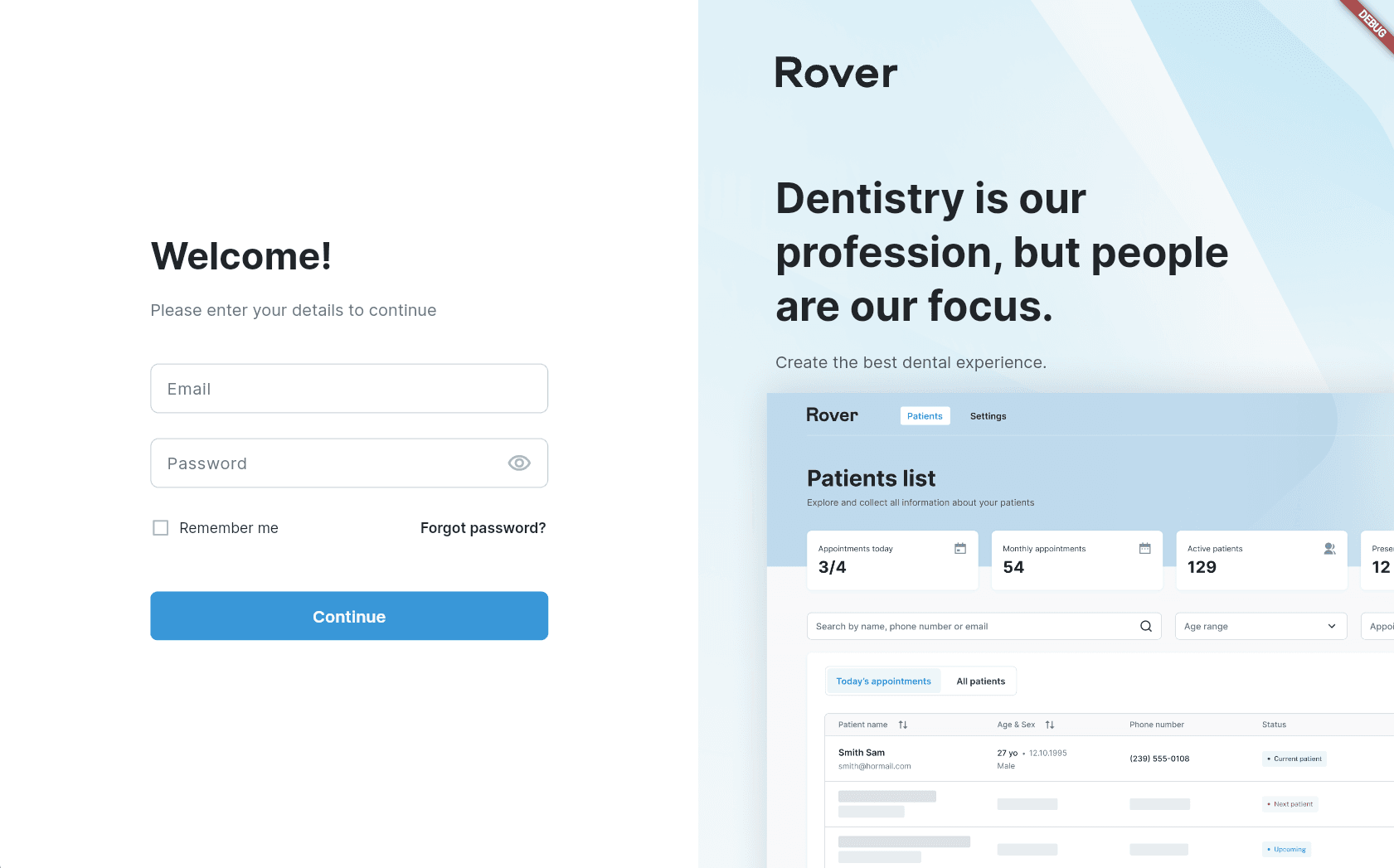
Enterprise Windows software still runs on C# and .NET at its core. We've delivered production WPF and WinForms applications for business-critical workflows — internal enterprise tools and commercial Windows applications alike, shipped to thousands of real users.

Vetted senior talent
Flexible engagement models
Founder-direct delivery
Why Entalogics

Why teams hire
C# desktop developers from us.

MVVM architecture, data binding, async patterns, Entity Framework — the actual substance of C# desktop application development, not just syntax. WPF, WinForms, and MAUI all in scope, along with the Windows-specific depth: COM interop, Registry access, services, scheduled tasks, MSI and ClickOnce deployment.

EXPERT BENCH01

C# desktop developers, vetted for the depth.

CommunityToolkit MVVM, data binding that doesn't silently fail, async/await without deadlocks, and real production shipping experience — that's the bar for Windows desktop-specific depth. Not a general .NET developer who's touched WPF once.

FAST HIRING02

Matched fast because the pool is genuinely small.

Most C# developers today build web apps, not desktop. Someone who actually knows WPF data templates, WinForms virtual mode, or MSIX packaging is rare enough that the open market takes months — we already have vetted specialists on the bench.

FLEXIBLE ENGAGEMENT03

C# desktop staff augmentation, sized to fit.

A dedicated developer for a long-term enterprise tool. A part-time specialist for a .NET Framework to .NET 10 migration. An hourly consultant for a WPF performance audit. Sized to whichever one is true.

Hiring model

Three ways
to staff your C# desktop build.

Complex data grids, real-time updates, background services, enterprise integration — C# desktop development gets hard exactly where the tutorials stop. Our developers have shipped into regulated enterprise environments, where stability and compatibility with older Windows versions are real constraints, not edge cases.

M01160h / mo

Full-time hiring

One C# desktop developer, full-time, owning MVVM architecture and the WPF or WinForms interface through to your deployment pipeline. Right for an enterprise Windows application built and maintained long-term.

M0280h / mo

Part-time hiring

Twenty hours a week — enough for a .NET Framework 4.x to .NET 10 migration, turning WinForms code-behind into testable service layers, or extending a shipped product on a maintenance schedule.

M0340h blocks

Hourly hiring

A WPF binding performance issue, a WinForms DataGridView virtual-mode setup, an MSIX packaging question, a ClickOnce-to-MSIX migration plan — billed hourly, for exactly that.

Engagement models

Who runs
the project.

Match this to how your team already runs C# desktop work, or describe your situation and we'll suggest one.

01

Entalogics managed team

MVVM architecture, WPF or WinForms development, testing, MSIX deployment — all ours end to end, while you review weekly and steer the roadmap.

  • PM + senior .NET desktop devs on staff
  • We own the deployment pipeline
  • Status reports every Friday
02MOST COMMON

Client managed team

Your technical lead sets priorities. Our C# developer joins your Azure DevOps, your standups, your repo, and writes the code under your direction.

  • Embedded in your Azure DevOps & Teams
  • Reports into your engineering lead
  • Same hiring bar — you direct
03

Hybrid model

Business logic and product decisions stay with your team. Desktop-specific complexity — XAML layouts, data binding, deployment, .NET version migration — becomes ours.

  • Specialists from us, generalists from you
  • Shared standups + code reviews
  • Clear DRI per module
Stack & tooling

The stack our C# desktop
application development team ships with.

Windows desktop expertise across the full .NET ecosystem — what our C# engineers actually reach for, daily.

C#

Primary language for Windows desktop apps, strong typing and modern language features.

.NET 10

Current LTS-aligned runtime for WPF, WinForms, MAUI, and modern deployment targets.

WPF

XAML-first desktop UI with data binding and MVVM — the framework behind rich enterprise dashboards, trading screens, and data-grid-heavy tools.

WinForms

Rapid UI for mature line-of-business tools and phased legacy modernization programs.

.NET MAUI

Cross-platform C# shell when desktop must share code with mobile and web targets.

Blazor Hybrid

Web UI in native windows, for teams sharing web components alongside a .NET shell.

Related work

You might
also need.

Adjacent services we often ship alongside C# desktop work — same bench, same standard.

COMMON QUESTIONS

Straight answers.

Six questions we get on every first call about hiring C# desktop developers. If yours isn't here, we'll cover it first.

Line-of-business data entry tools, financial dashboards and trading screens, warehouse inventory systems, healthcare interfaces, and enterprise internal tools — Windows application development where complex forms, real-time data grids, and backend integration are the actual requirement.
WPF for anything new — modern MVVM, rich data binding, customizable UI. WinForms for an existing application where the codebase works and a rewrite isn't justified. And if the real question is desktop versus web: a thick client gives you deeper OS access, offline operation, and performance a browser tab can't match — usually why you're here in the first place.
Yes. .NET MAUI targets Windows, macOS, iOS, and Android from one C# codebase — worth it when cross-platform is a genuine requirement. For Windows-only tools, WPF or WinForms stays simpler and more mature.
Yes. Entity Framework Core or Dapper for SQL Server, Windows Authentication or Azure AD for identity, SharePoint CSOM or Microsoft Graph API for document management — standard enterprise integration patterns, handled routinely.
Yes. MSIX for modern packaging with auto-update, MSI for traditional Group Policy deployment, ClickOnce-to-MSIX migration when the legacy model needs upgrading, and CI/CD through Azure DevOps or GitHub Actions.
Yes — legacy modernization done form by form, not a flag-day rewrite. Code-behind extracted into testable services, manual UI updates replaced with data binding, .NET Framework 4.x migrated to .NET 10, ClickOnce replaced with MSIX.
Founder-direct

Ready to build
something amazing?

Tell us what your C# desktop project actually needs, and we'll walk you through what shipping it — enterprise-grade, at a fair price — takes.