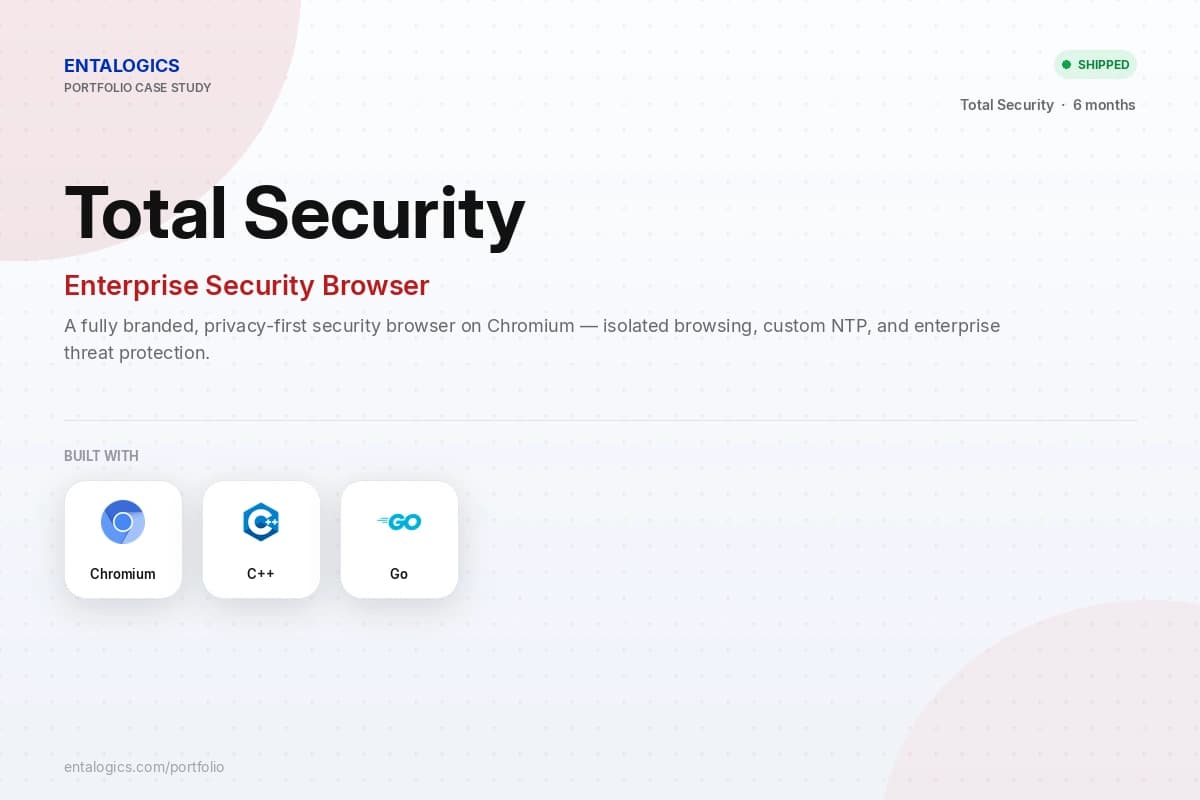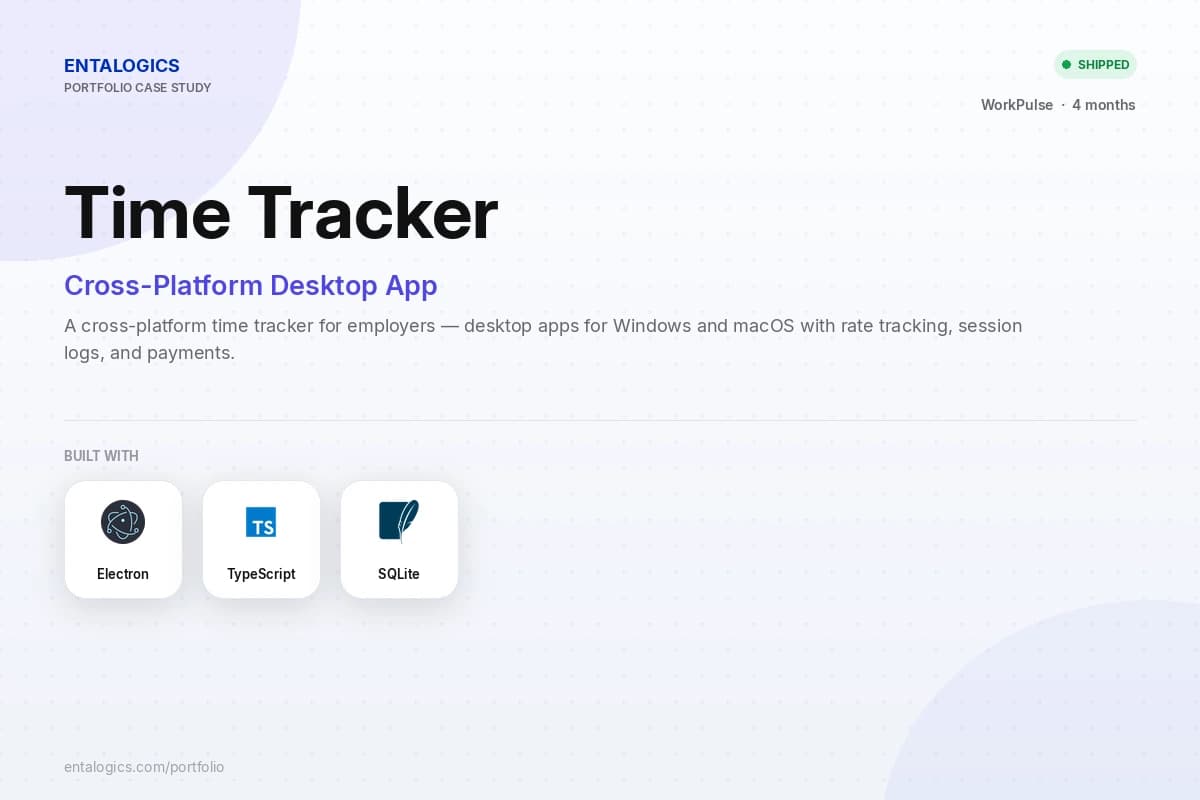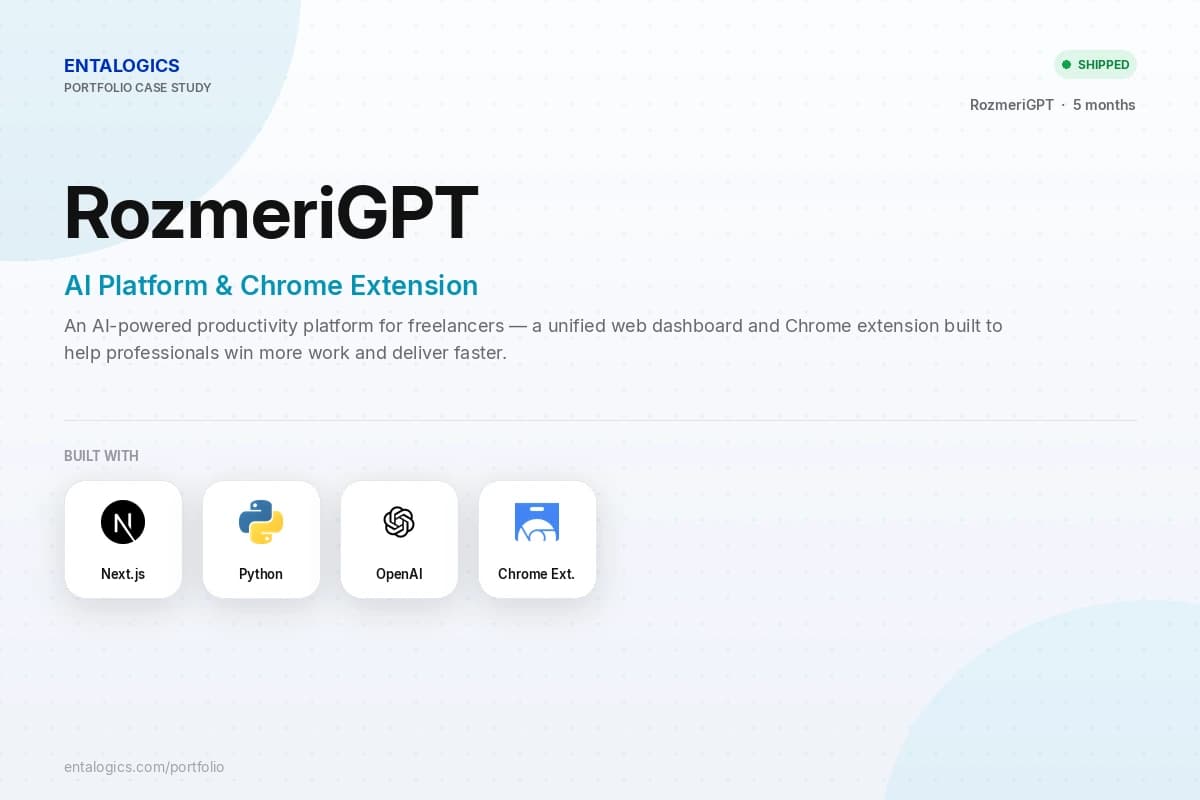
We build production-grade desktop applications — productivity tools, internal enterprise apps, developer tools, and native desktop experiences. Not browser wrappers that feel slow and break on OS updates. Code signing, auto-update, and distribution handled from day one.
The reasons clients pick us, in their own words. Each one is something most agencies will swear they do — and most don't.
Updates01
Auto-update pipeline from day one.
Users don't manually update desktop apps. Delta updaters, rollback support, and silent background updates built before you ship version one.
Signing02
Code signing on every platform.
Unsigned apps get blocked by Windows Defender and macOS Gatekeeper. Every build signed and notarized before it reaches a user.
Native03
OS integration, not just a window.
System tray, native notifications, auto-launch, local file access, credential store integration. Apps that feel native, not web pages in a frame.
Distribution04
Your installer, your distribution.
MSI, MSIX, DMG, PKG, Flatpak, AppImage. Every platform's distribution format handled, including enterprise silent installs and MDM deployment.
Hard-won lessons
What makes a desktop app project fail.
Most desktop app projects fail not because of bad code but because of decisions that web developers get wrong every time.
01
✗
No auto-update architecture planned upfront
Every patch requires users to manually reinstall, adoption of fixes is near zero.
02
✗
Code signing skipped until the end
App blocked by OS security on first install, users see frightening warnings, trust destroyed before the app opens.
03
✗
Built as a web wrapper without OS integration
Feels sluggish, has no system tray, can't access local files, users notice immediately.
04
✗
No crash reporting configured
Bugs reported by users via email with no stack trace, impossible to reproduce or fix efficiently.
05
✗
Cross-platform testing ignored
Works on developer's Mac, breaks on Windows 10, never tested on Linux at all.
06
✗
No enterprise distribution plan
IT departments can't deploy via MDM or Group Policy, enterprise deals blocked at procurement.
✓
Auto-update, signing, OS integration, and enterprise distribution are scoped in discovery — not discovered when IT blocks your first enterprise deal.
Know what you're building
Desktop app or web app? Know what you're building.
They can look identical on screen. The engineering, distribution, and maintenance are completely different.
Desktop app
Web app
Runs on
Operating system
Browser
Distribution
Installer (.exe, .dmg, .deb)
URL
Updates
Auto-update pipeline required
Instant, server-side
Offline support
Full
Limited
File system access
Full native access
Restricted (File API only)
Code signing
Required — Windows & macOS
Not needed
If your users need it installed, offline, or deeply integrated with their OS — you need a desktop app. That is what we build.
What we build
Six desktop app types, one engineering bench.
The shapes of desktop work we've shipped most often — from system-tray utilities to enterprise tools deployed via MDM.
#
TYPE
WHAT IT IS
01
Productivity & workflow tools
Desktop utilities, task managers, note-taking apps, and focus tools that live in the system tray and stay out of the way.
02
Developer tools & IDEs
Code editors, database GUIs, API clients, debugging tools, and local-first developer utilities.
03
Enterprise internal apps
Locked-down internal tools deployed via MDM, integrated with SSO and corporate credential stores.
04
Media & creative apps
Video editors, audio tools, design utilities, and content creation apps that need GPU access and local file processing.
05
Data & analytics desktop apps
Local-first data tools, CSV processors, reporting apps, and dashboards that work on local datasets without a server.
06
Electron & cross-platform apps
Web-technology-based desktop apps that ship on Windows, macOS, and Linux from a single codebase.
Distribution
Distribution. Handled end to end.
Shipping a desktop app is not the same as deploying a website. Every platform has its own signing, packaging, and distribution requirements.
01
Windows
Authenticode code signing, MSI and MSIX packaging, Windows Defender SmartScreen reputation built over time.
02
macOS
Apple Developer ID signing, Hardened Runtime, notarization with Apple, Gatekeeper pass guaranteed.
03
Linux
.deb for Debian/Ubuntu, RPM for Fedora/RHEL, Flatpak for universal distribution, AppImage for portable builds.
04
Auto-update
Squirrel for Windows, Sparkle for macOS, custom delta updaters for Linux.
05
Enterprise deployment
Group Policy ADMX templates for Windows, MDM-compatible packages for macOS, silent install support.
06
Crash reporting
Sentry, Backtrace, or native crash reporter configured before first release.
07
Release pipeline
Automated build, sign, package, and publish on every tagged release via GitHub Actions.
The receipts
Desktop apps we've shipped.
Not case studies. A raw list of specific desktop deliverables that shows depth and range instantly.
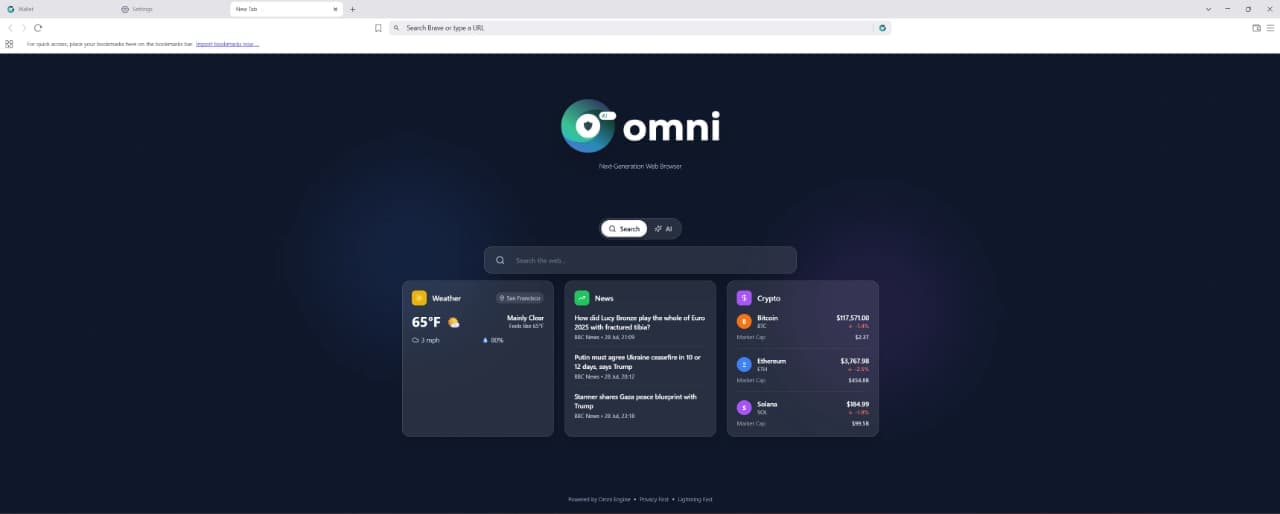
D01✓Electron browser with custom tab management and session isolation
D02✓Internal enterprise tool deployed via MDM to 500 Windows machines
D03✓Cross-platform developer CLI with auto-update and crash reporting
D04✓macOS menu bar app with system tray and local file processing
D05✓Windows productivity app with Authenticode signing and silent install
D06✓Data processing desktop app running local ML inference without a server
D07✓Multi-platform media tool with GPU-accelerated rendering
D08✓Electron app with built-in SQLite database and offline-first sync
D09✓Enterprise app with SSO integration and Group Policy configuration
D10✓Linux-first developer tool distributed via Flatpak and AppImage
Engagement shape
From spec to shipped in four phases.
A typical desktop engagement, end-to-end. Signing, auto-update, and installers are built in parallel with features — not after launch.
W01–02
Discovery & architecture
Define target platforms, Electron vs Tauri vs native decision, auto-update strategy, distribution plan, code signing setup, crash reporting tooling agreed.
W02–10
Core build
Application shell, core features, OS integration points, local data storage, system tray and notifications, UI built with platform conventions respected.
W10–12
Harden & distribute
Code signing configured on all platforms, auto-update pipeline built and tested, crash reporting live, installers built, QA on all target OS versions.
M02+
Maintain & evolve
Upstream dependency updates, OS compatibility as Windows and macOS release new versions, new features shipped via auto-update, enterprise policy updates.
Stack
Desktop app stack. Battle-tested.
Frameworks, signing, auto-update, and crash reporting — chosen for your platforms, not a one-size-fits-all default.
Pick the lane that matches your stage. Every path includes signing, auto-update, and distribution scoped from discovery.
DESKTOP APP BUILDship fast
Your desktop app in 10–14 weeks.
For founders shipping their first desktop application
For teams who need a production-grade desktop app built properly. Fixed scope, fixed quote, senior-only team. Code signing, auto-update, and distribution pipeline included from day one.
Scale-up with an existing desktop app and a growing feature roadmap
Senior desktop engineers embedded in your Slack, your GitHub, your standups. New features, OS compatibility updates, and performance improvements every sprint.
For enterprises needing MDM deployment, Group Policy configuration, audit logs, and procurement-friendly contracts. Built for IT departments, not just end users.
Electron or Tauri when you need cross-platform speed and a web-technology UI layer. Native Swift, WPF, or Qt when you need maximum OS integration, GPU performance, or a single-platform focus. We decide in discovery based on your distribution, performance, and team constraints — not a default stack.
Windows builds are Authenticode-signed with your certificate (or ours during build). macOS builds use Developer ID signing, Hardened Runtime, and Apple notarization before any user download. Signing is configured in week one, not bolted on at the end.
All three. We ship installers and packages appropriate to each — MSI/MSIX, DMG/PKG, and .deb/RPM/Flatpak/AppImage — and test on the OS versions your users actually run.
We implement Squirrel on Windows, Sparkle on macOS, and custom delta updaters on Linux where needed. Updates are silent, versioned, and support rollback. Every release goes through the same sign-and-package pipeline.
Yes — offline-first is a core strength of desktop apps. Local databases, file system access, and background sync are designed in from discovery, not added as an afterthought.
We deliver MDM-compatible packages, Group Policy ADMX templates, and silent install support for Windows. macOS enterprise deployment via MDM, plus SSO and corporate credential store integration where required.
Founder-direct
Ship your desktop appthis quarter.
Free 30-minute call with a senior engineer. By the end you'll have a platform plan, distribution approach, and realistic ship date — whether you hire us or not.