
JULY 13, 2026
Manifest V2 Ending: What Chrome Admins Must Do Now
Manifest V2 ends in Chrome Enterprise on August 31, 2026. Installed extensions on Chrome 138 stay put, but cannot receive updates.

By Asad, Senior Content Writer at Entalogics · Cybersecurity
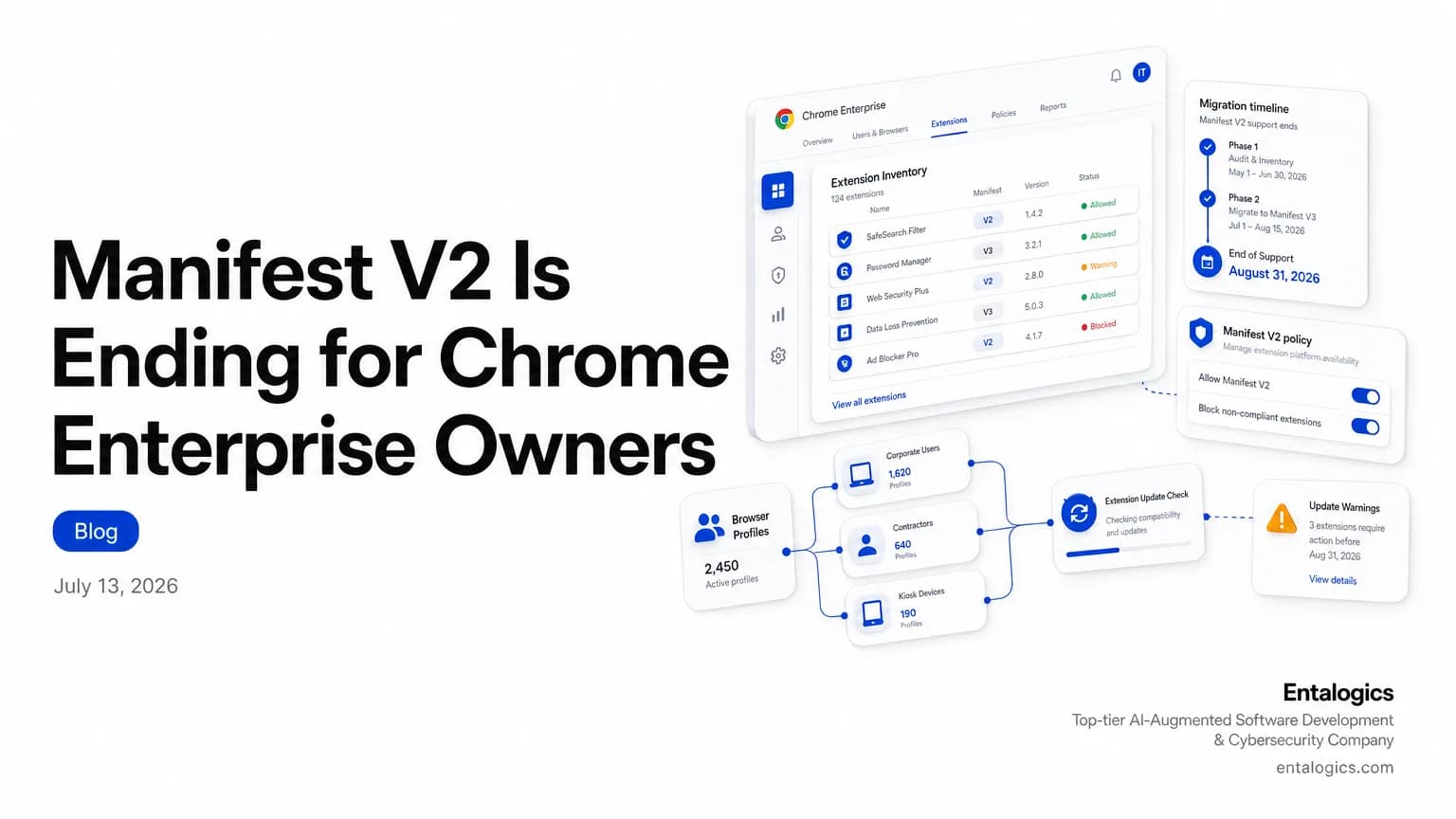
What changes for Chrome enterprise owners
On August 31st 2026, Google will remove all remaining Manifest V2 extensions from the Chrome Web Store. That is the last clean cutover date for teams that still run old extensions in managed fleets.
If your organization still depends on Manifest V2, the real risk is not just removal. Extensions installed on Chrome 138 or earlier will remain installed after that date, but they will cannot receive any updates and cannot be reinstalled from the Chrome Web Store once removed. That means a working extension can turn into a frozen one, and then into a stranded one.
August 31st 2026 is the point where remaining Manifest V2 extensions are removed from the Chrome Web Store.
By Chrome 138, users can no longer turn them back on.
For enterprise owners, the practical question is simple: which extensions still matter, which ones have Manifest V3 replacements, and which ones are tied to business workflows that will break if a user upgrades past the current grace window?
Manifest V2 deprecation timeline
Chrome has been pushing this transition for a while. On January 2022, Chrome Web Store stopped accepting new Manifest V2 extensions with visibility set to "Public" or "Unlisted". On June 2022, it stopped accepting new Manifest V2 private extensions.
The browser-side warnings started later. Starting on June 3rd on the Chrome Beta, Dev and Canary channels, users with Manifest V2 extensions installed began to see warning banners on the extension management page. At the same time, Featured-badge extensions still using Manifest V2 lost their badge.
Then came the default disable step. On March 31st 2025, all users on all channels of Chrome had Manifest V2 extensions disabled by default, but users could still turn them back on. Later, the second phase began rolling out to some users in Canary, where that override was no longer available.
The final browser milestone is Chrome 138. At that point, all users on all channels of Chrome have Manifest V2 extensions disabled, and users can no longer turn them back on.
What happens at Chrome 139
The enterprise policy matters because it is the last control plane many IT teams still use. The ExtensionManifestV2Availability policy is supported on Google Chrome and ChromeOS from version 110 to version 138. It applies at the Chrome profile level and is applied without restart. It is part of the Extensions atomic policy group.
The policy values are straightforward. 0 = Default browser behavior, 1 = Manifest v2 is disabled, 2 = Manifest v2 is enabled, and 3 = Manifest v2 is enabled for forced extensions only.
That control ends with Chrome 139. Google says the ExtensionManifestV2Availability policy will be removed with Chrome 139, the change will affect all users on Chrome 139 simultaneously, and Manifest V2 extensions will cease to function for any user upgrading to Chrome 139 and subsequent versions.
If you manage a large fleet, this is the deadline that matters most. Chrome 138 is the final version where the policy can still shape Manifest V2 behavior. Once Chrome 139 arrives, the policy is gone and the browser behavior is fixed.
Ship faster with senior engineers
Direct collaboration, AI-augmented delivery, and no agency markup.
Get in touchHow to audit your extensions now
Start with inventory. List every extension your company allows, then separate them into three groups: business-critical, user-installed, and legacy holdovers. Focus first on anything that touches authentication, password management, session handling, internal portals, procurement systems, or admin consoles.
Then check the migration state of each one. If an extension still depends on Manifest V2, treat it as time-limited. If it already has a Manifest V3 version, test it in a managed pilot before you push it to the full fleet. If it does not have a replacement, identify the workflow that will break when users move past Chrome 138.
This is also a good time to review policy enforcement. Managed Chrome environments often accumulate exceptions, side-loaded tools, and shadow IT extensions that nobody owns. Remove anything that is not tied to a named business need. For the rest, document the owner, the business purpose, the replacement path, and the date you will retire it.
If you need a formal review of browser extensions, policies, and developer workflows, an AI Code Security Audit can help you map extension risk before the deadline lands. If the migration itself needs hands, you can also hire Chrome extension developers who've shipped Manifest V3 migrations before.
Manifest V2 replacement plan for enterprises
A clean plan does not need to be complex. It needs to be explicit.
First, identify every Manifest V2 extension still in use. Second, check whether each one has a Manifest V3 upgrade or a supported alternative. Third, test the replacement in a controlled group before policy changes spread across the company. Fourth, update your Chrome management documentation so support teams know what to expect when users hit Chrome 138 and later versions.
If an extension is critical and no replacement exists, do not wait for the store removal date. Build a migration ticket now, assign an owner, and set a cutoff that comes before August 31st 2026. That gives you room for testing, user training, and rollback planning.
You should also plan for help desk tickets. Users will see extensions stop working, lose badges, or disappear from the store. Support scripts should explain that this is not a local browser bug. It is the end of Manifest V2 support in the Chrome release line and enterprise policy path.
For teams that have already dealt with extension sprawl, the patterns will feel familiar. Our piece on desktop workflows in real estate tech shows how browser-tied tools can become business-critical without much visibility. The same lesson applies here: if a browser extension matters to revenue or operations, it needs ownership before the platform changes under it.
What security teams should do next
This change is not only about compatibility. It is also about control. Old extensions that stay installed but stop updating can become long-lived risk objects. If a tool cannot receive updates after August 31st 2026, the organization owns whatever security state it had on that date.
That makes extension review part of basic hygiene. Keep a current inventory. Remove unknown tools. Validate that critical extensions have support plans. Test replacements before users are forced onto them. And make sure your Chrome policy setup is still doing what you think it is doing before the Chrome 139 cutoff.
If your environment already has a broader browser hardening program, tie this into it now. Extension policy, profile controls, and release management should be in the same runbook. The sooner you align those pieces, the less chaos you will see when users move from Chrome 138 to the next release. If policy alone isn't enough control and you're evaluating a full Chromium fork instead, see what that actually takes.
The safest next step is simple: inventory every Manifest V2 extension, assign an owner, test the replacement path, and retire anything that cannot survive Chrome 139.